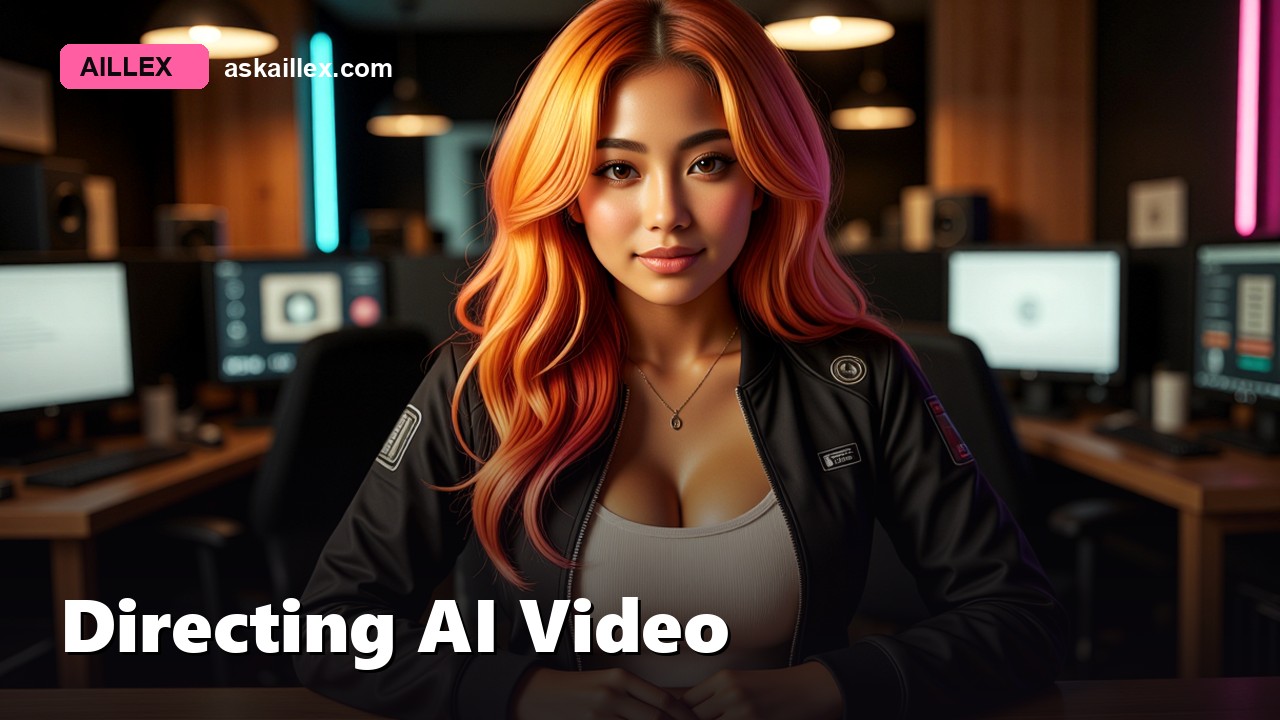
We just produced our first real action sequence: our presenter gets yanked out of her studio by a helicopter rope ladder and chased across a golden-hour sky by winged monsters. Twenty-nine seconds, fully AI-generated, storyboard stills to finished cut. It took three rounds of revisions, and every revision taught us a directing rule we now consider permanent.
If you’re generating character video with image-to-video models (we use Wan 2.6 via Civitai (referral link, supports the channel at no extra cost), plus local LTX for longer locked-off shots), these rules will save you real money and real time.
1. One beat per clip
Our first ladder-grab prompt asked for: she springs up, spins around, grabs the ladder with both hands as it snaps taut, papers whirling. Four distinct actions, five seconds. The model tried to hit all four marks and our character came out looking like she was tangled in the ladder while hopping, limbs teleporting between poses.
The re-roll asked for exactly one action: she closes both hands around the ladder and it pulls taut. Clean, coherent, human.
A video generation is a single beat, not a scene. If your storyboard note contains the word “then,” split it into two clips.
2. Short clips at natural speed hide the AI
Our first cut used 10- and 15-second generations. They looked impressive in isolation, and unmistakably AI in sequence. Long generations drift: motion goes dreamy and slow, objects change size (our dragons visibly shrank over 15 seconds), and physics gets negotiable.
The fix: 5-second clips, prompted with “real-time speed, quick decisive action,” with slow motion, dreamy pace, floating, shrinking objects in the negative prompt. Fast cuts also just make action feel like action, real trailers cut every 2 to 4 seconds anyway.
3. Describe the outfit you can’t see
Our storyboard plates framed the character from the waist up. The image-to-video model invented the rest, differently in every shot. One clip gave her jeans, the next a red skirt. Continuity broke at every cut.
If the plate crops it, the prompt must specify it. Our plate prompts now describe the complete outfit head to toe, even for close-ups, and every shot in a sequence uses identical outfit wording.
4. Never drop your identity LoRA, even on wide shots
We assumed a distant figure didn’t need the character LoRA and described her in words instead. What we got back was a stranger. Identity models earn their keep at every distance; the fix for “the LoRA pulls framing too close” is wording like “medium-wide shot, close enough to read her face”, not dropping the LoRA.
5. Transitions are load-bearing
Whip-flash transitions (a 0.25-second white flash between cuts) aren’t just style, they mask the seams where AI clips would never plausibly connect. Combined with fast cutting, they buy you enormous forgiveness.
The economics
The full tease: storyboard stills (local, free), eleven cloud video generations including re-rolls, and an AI-generated score, cost us pocket change in Civitai Buzz. The re-rolls were cheap enough that iterating on a bad clip is always better than shipping it.
The finished sequence ends our latest episode: watch it here, and the full breakdown becomes our next one. Every video on this channel is made with the pipeline it teaches.