

Every AI you’ve ever used is a model: one big file of numbers, plus a program that runs it. That’s the whole secret. This page is the working vocabulary you need to build at home, earned from running dozens of them on one PC.
What a model actually is
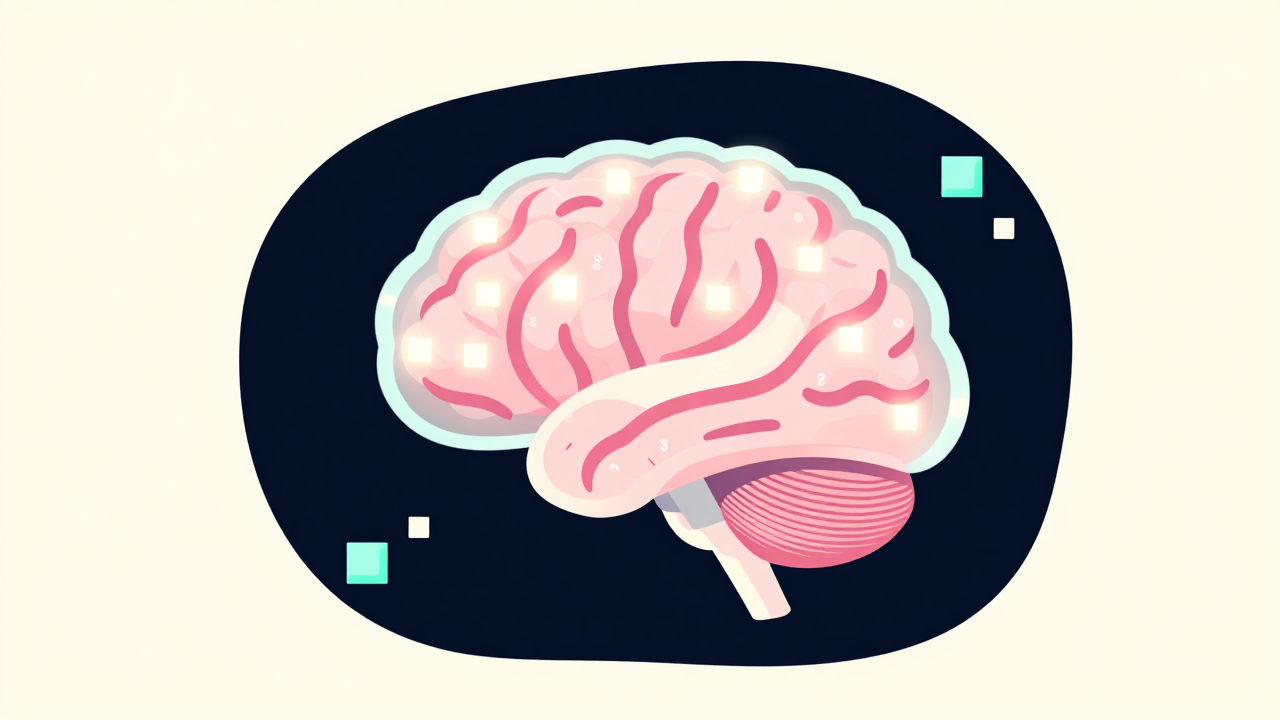
Training bakes patterns from mountains of examples into billions of numbers (“weights”). Running a model (“inference”) is just math between your input and those weights. A model doesn’t know things the way a database does, it has instincts. That’s why it can write a poem and also confidently invent a fact: same mechanism.
The numbers that matter to you
- Parameters (7B, 35B, 70B…): the model’s size. Bigger = generally smarter, slower, hungrier. The home sweet spot in 2026: 7B to 35B.
- VRAM, the real constraint. Rough rule: a model needs its size-on-disk in GPU memory, and quantization (compressing weights to 4 to 8 bits) cuts that by half or more for a small quality cost. A 32GB card runs a quantized 70B; an 8GB card runs a great 7B.
- Context window, the model’s working memory per conversation, in tokens. More context costs VRAM too; we run a 262K-capable model at 16K for chat because headroom = speed.
- Thinking modes, some models reason step-by-step before answering: brilliant for hard problems, painful for chat (minutes of silence). Most expose an off switch. (We benchmarked this the hard way →)
Open vs closed weights (the split that defines everything)
- Closed: you rent access to a file on someone else’s computer (GPT, Claude, Gemini). Best raw capability, zero ownership.
- Open weights: you download the file (Apache/MIT licenses are the good ones). It’s yours forever: offline, private, fine-tunable. The open world runs months behind the frontier and closes the gap constantly; in 2026 an MIT-licensed model tops real usage leaderboards.
Our position is the whole site: rent when it wins, but own your engine.
The model types you’ll actually touch
| Type | What it does | Ours in action |
|---|---|---|
| LLM / chat | text in, text out; the “brain” | the agent’s brain |
| Multimodal / vision | also sees images and screens | giving your AI eyes |
| Diffusion (image) | noise → picture, guided by your words | ComfyUI from zero |
| Video | animate a still image | animate an image |
| TTS / voice | text → speech, cloneable | clone a voice |
| LoRA (add-on) | tiny file that teaches a big model one thing | character LoRA |
How to pick a model (the 4-question version)
- What job? Chat, code, images, voice, pick the type first.
- What fits? Your VRAM decides the size class; take the best quantized model that fits with headroom.
- What license? Apache 2.0 / MIT = build freely. “Open-ish” licenses with usage carve-outs deserve a read.
- Does it behave? Benchmark on your real tasks, not leaderboard vibes, clean structured output and fast first tokens beat two extra IQ points for agent work.
The fastest education is Step 1 of the beginner path: pull one model tonight and talk to it. The file on your disk will teach you the rest.