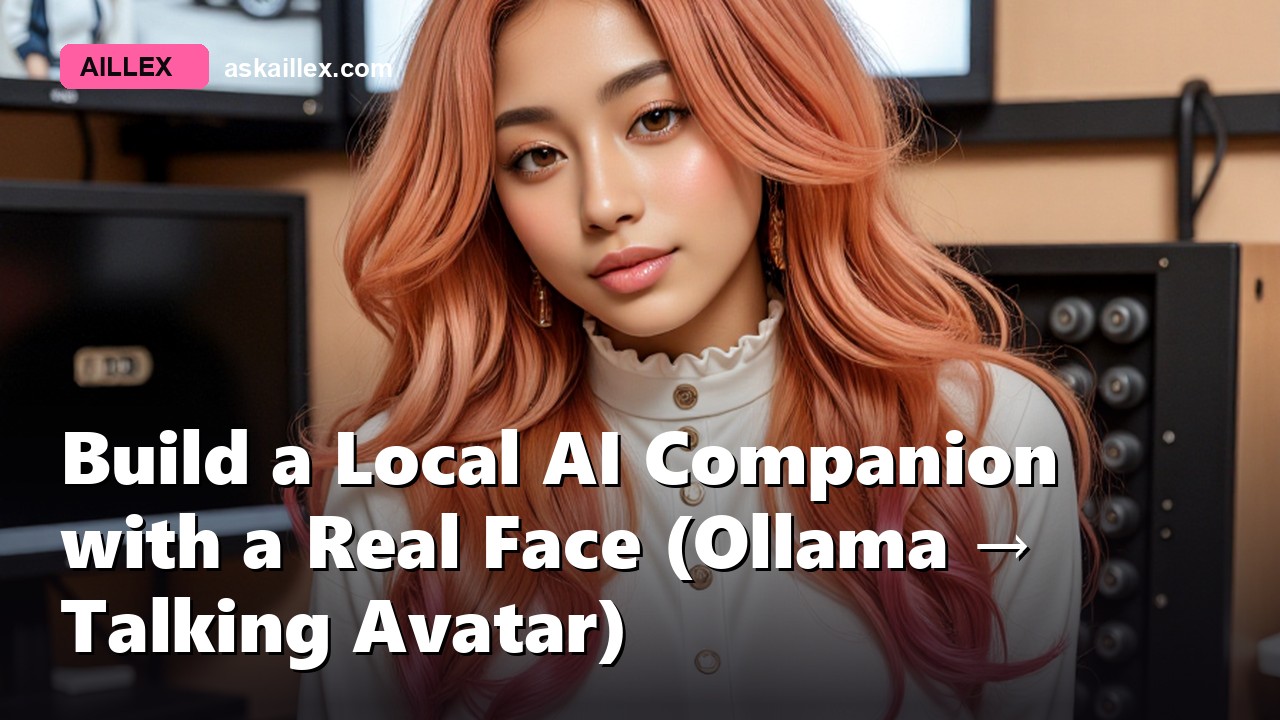
The backend crowd builds brains. The VTuber crowd builds faces. Almost nobody documents the bridge, which is why “how do I connect Ollama to an avatar” is one of the most-asked, least-answered questions in local AI. This guide is that bridge: the architecture we talk to every day, the exact traps that cost us days, and enough detail to build it yourself.
What you’re building
Say something into your mic; a few seconds later a 3D character answers out loud: lip-synced, blinking, emoting, running entirely on your machine.
- Ears: faster-whisper (local speech-to-text)
- Brain: any Ollama model, pick one with vision and she can see your camera or screen
- Voice: any OpenAI-compatible TTS (free local options work fine)
- Face: any VRM model you drop in, the same format VTubers use, thousands available free
Can your PC run it?
8 GB of VRAM runs the full loop with a small brain; 12 GB makes it genuinely conversational. Check your exact hardware on the calculator, the “Full AI companion” row is this stack.
One warning if this is also your rendering machine: a companion holds its brain in VRAM permanently, and image or video generation will fight it for the card. We measured a 28× slowdown on a single agent turn while a render job held 14 GB. Free the render tools before you chat, the full story is in teaching your AI new skills.
The architecture: four services, four ports
The mistake most people make is trying to build one program that does everything. Keep them separate, give each a health endpoint, and you can restart any one of them without losing the conversation.
- Conversation engine: Open-LLM-VTuber runs the mic → whisper → LLM → TTS loop and serves the chat page. Point it at your Ollama; it speaks the OpenAI-compatible dialect.
- Voice server, any TTS with an HTTP endpoint. We run ours as its own service so the voice can be swapped without touching the conversation loop. If you want a designed voice rather than a stock one, do what we did: iterate the identity once in ElevenLabs, keep the ~90-second reference clip, and every local TTS after that clones from it for free (the full method).
- Face bridge, a small server that renders your VRM in a video-call-style page: audio-amplitude lip-sync, expression tags from the LLM (
[joy],[smirk]) driving real blendshapes, and a procedural blink-breath-sway idle so she’s never frozen between turns. - Lip-sync worker (optional), if you want photoreal instead of stylized, a lip-sync model repaints a real face’s mouth. Stylized VRM needs nothing extra; this is the upgrade path.
Run each under a process supervisor with a health check, and make your start script idempotent: check the port, skip if it answers, start if it doesn’t. Ours can be run at any time and only fills in what’s missing, which matters when one service dies at 2am and you want the others left alone.
Trap 1: the thinking-mode stall
Reasoning models will spend their entire token budget thinking and return nothing. In a chat window that’s slow; in a voice conversation it’s a dead assistant. Disable thinking for companion turns.
The part that cost us the time: the popular fix doesn’t survive. Baking a “no thinking” instruction into a Modelfile system prompt gets overwritten by the conversation engine’s own persona prompt, so it looks applied and does nothing. The fix that holds is passing it at the API layer, as an extra body parameter on every request:
{"reasoning_effort": "none"}
On Ollama’s native API the equivalent is "think": false. If your engine has no setting for it, patch the one function that builds the completion call and pass it through from an environment variable, a five-line change that survives upgrades better than a fork.
Trap 2: the open-mic mistake
Voice activity detection collapses in a real household. Every clatter becomes an utterance, the assistant interrupts itself mid-sentence and stalls. Our family test with an always-on mic lasted four minutes.
Ship hold-to-talk instead: one button, complete sentences, and anyone can use it, including kids and guests who have no interest in learning your system’s quirks. It also solves the problem nobody mentions in demos: with several people in the room, an open mic has no idea which of them is talking to it.
Make it yours
- Brain:
ollama pullanything, the config is one model name. A vision model lets her see (see give your local AI eyes). - Personality: the persona file is plain English. Ours pushes back kindly and never monologues; yours can be anything.
- Voice: point the TTS URL anywhere. Designing a voice once and cloning it locally forever is covered in the voice guide.
- Face: the whole point. Grab any character from VRoid Hub, or make your own in VRoid Studio (free), and drop the
.vrmin. Our own household preferred a neutral character over our branded one, worth knowing before you spend a weekend on a face nobody else wants to talk to. - Somewhere else to talk to her: the same brain can sit in a Discord voice channel and hold a conversation with a whole party: no hold-to-talk, no wake word, and a very different set of trade-offs from the one-room case above.
The honest part
This is a pre-alpha in our house too. Turns take a few seconds, not milliseconds. Long conversations drift. The face is expressive but not photoreal, and the photoreal path costs real VRAM. What it is: as private as the parts you pick. With a local voice, nothing leaves your machine, and that is how our apps run. Our new live face speaks through ElevenLabs for now, so there the text of her replies goes out to be spoken, while your microphone audio is still transcribed at home. No subscription is required to build it, no policy change can take the rest of it away, and the personality is yours to write.
Building your own? Show us at r/aillex, and watch her build herself on the channel.